
How do I update the firmware (software) on the FLEX device?
This will only appear if there is a new version of the FLEX Firmware. The update is easily done over the air, which means that you will require a WiFi and Bluetooth connection.
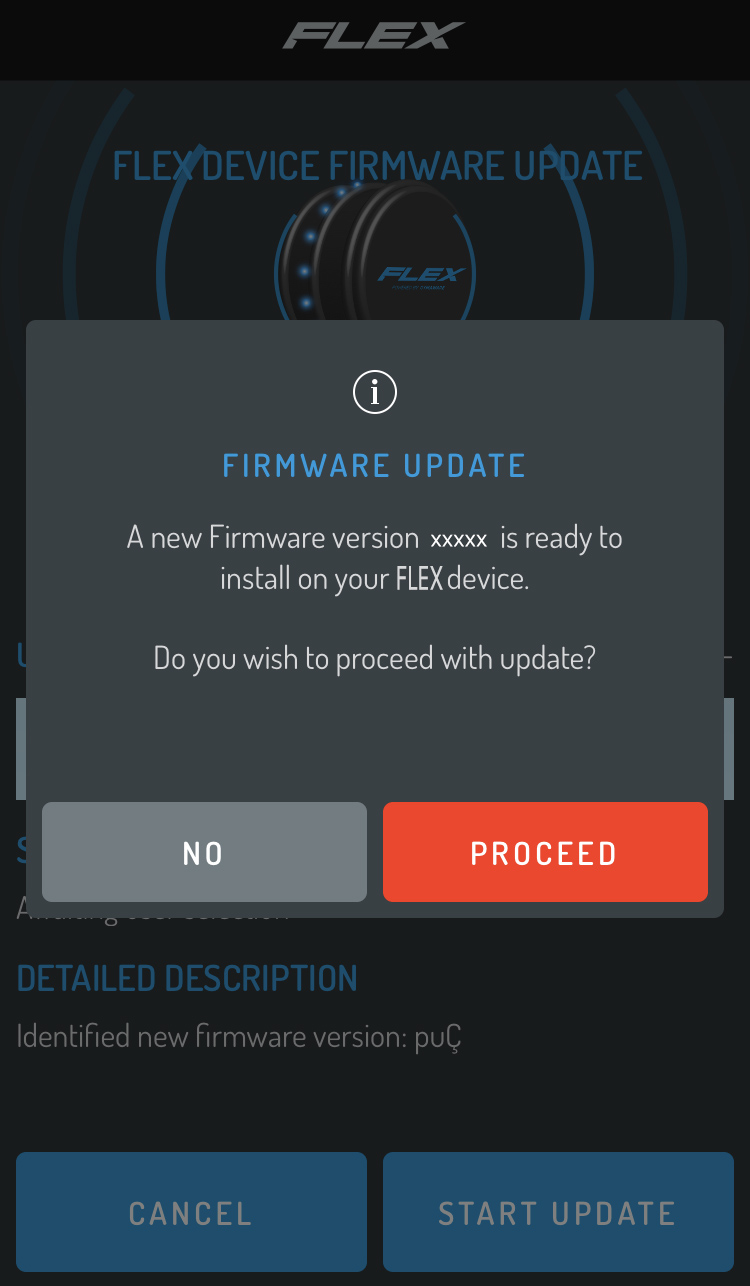
Upon trying to connect the FLEX device, a pop-up window will appear prompting you to update; you can choose to proceed or decline. If you decline the update, the App will automatically prompt you to update on your next connection.
Once you begin the update, refrain from quitting or backgrounding the App until it is complete. Be patient with the process as there may be a 1-2 sec delay between steps depending on your internet connection.
Comments
0 comments
Please sign in to leave a comment.