
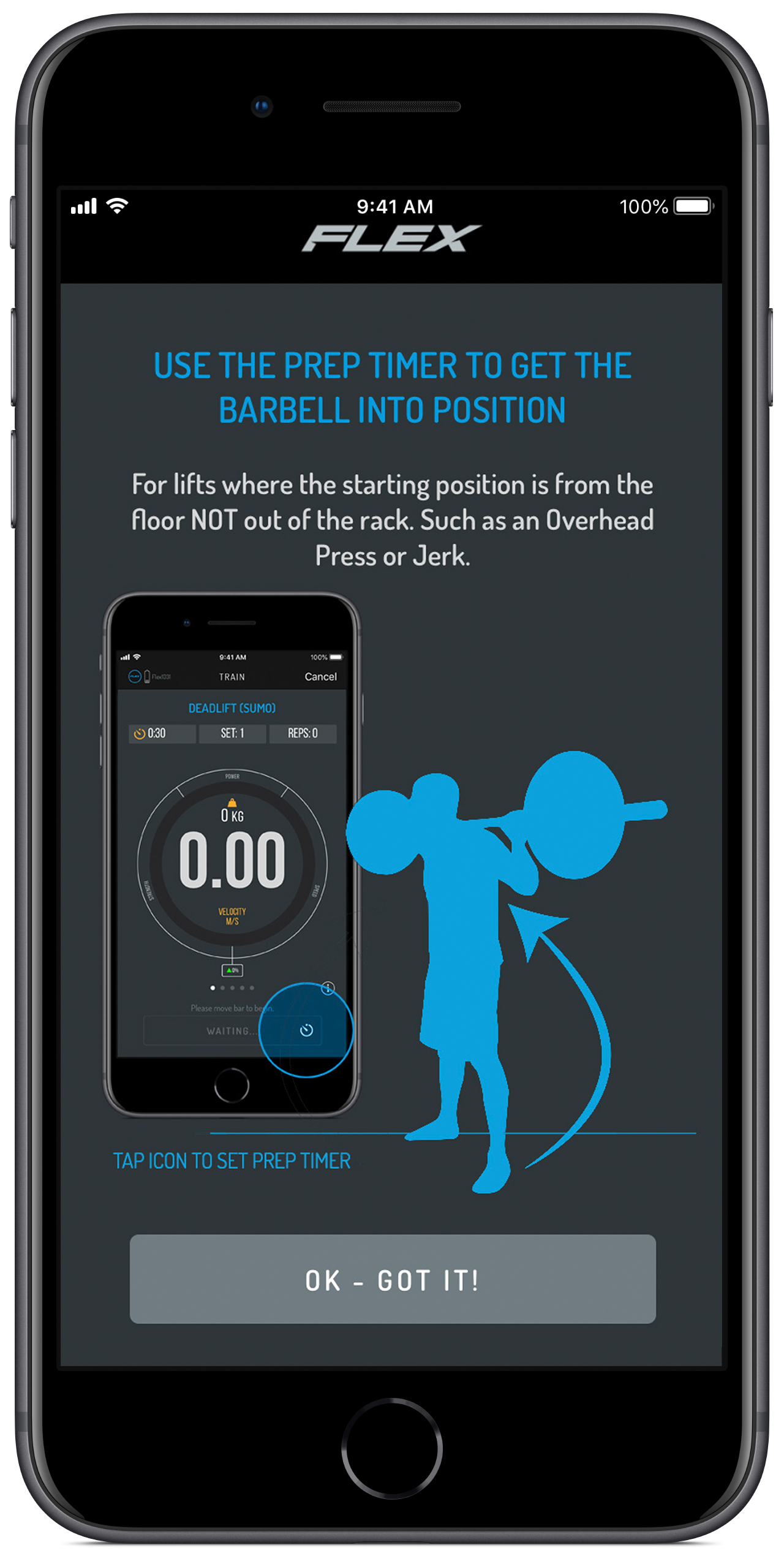
FLEX's Lift Intelligence means that there is no need to manually press start and stop to records sets. However, for some exercises you may want a few moments get into position and for this we have the Preparation Timer (Prep Timer). You might find the Prep Timer handy on exercise where you have to move the bar into a new position before starting.
For example, the Prep Timer can come in handy when stepping the barbell back from the rack in a front squat.
In contrast, you won't need the Prep Timer for Deadlifts since the bar remains on the ground until you lift.
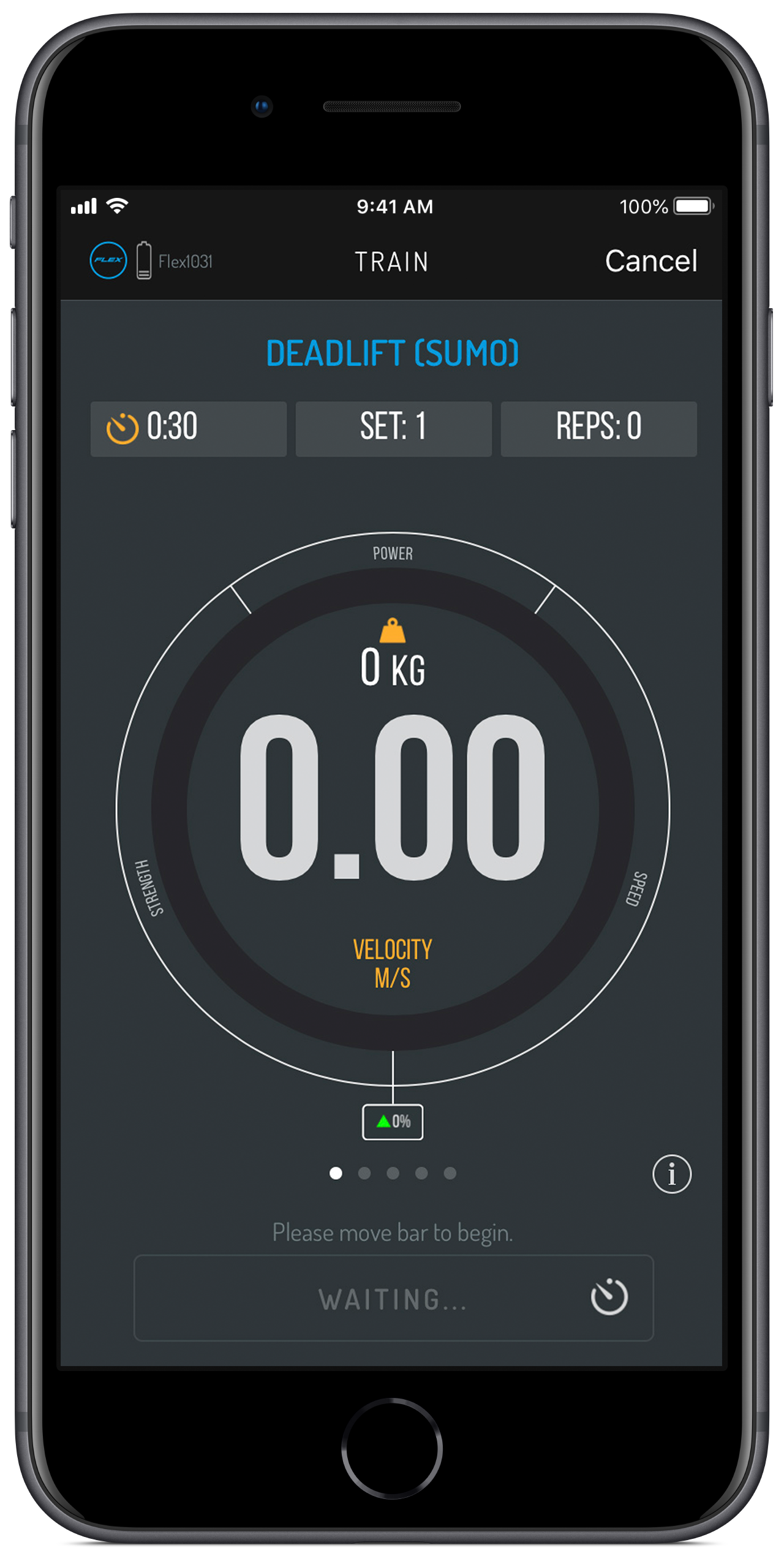
To set a prep timer:
- Press the Stopwatch icon inside the 'Waiting/Ready' Button at the bottom right hand corner of the train screen
- Select the amount of seconds you'll need to get into position
- When you wake the device up the countdown will begin.
- NO DATA will be recorded until the countdown is over.
- Once the countdown is over you're now ready to begin your set.
We recommend only putting on the Prep Timer if you find reps are detected while getting into position.
We also recommend that you have your sound on as the Prep Timer gives you an audio countdown to assist you. You will miss reps if you lift while the Prep Timer is still counting.
 |
 |
Comments
0 comments
Please sign in to leave a comment.