
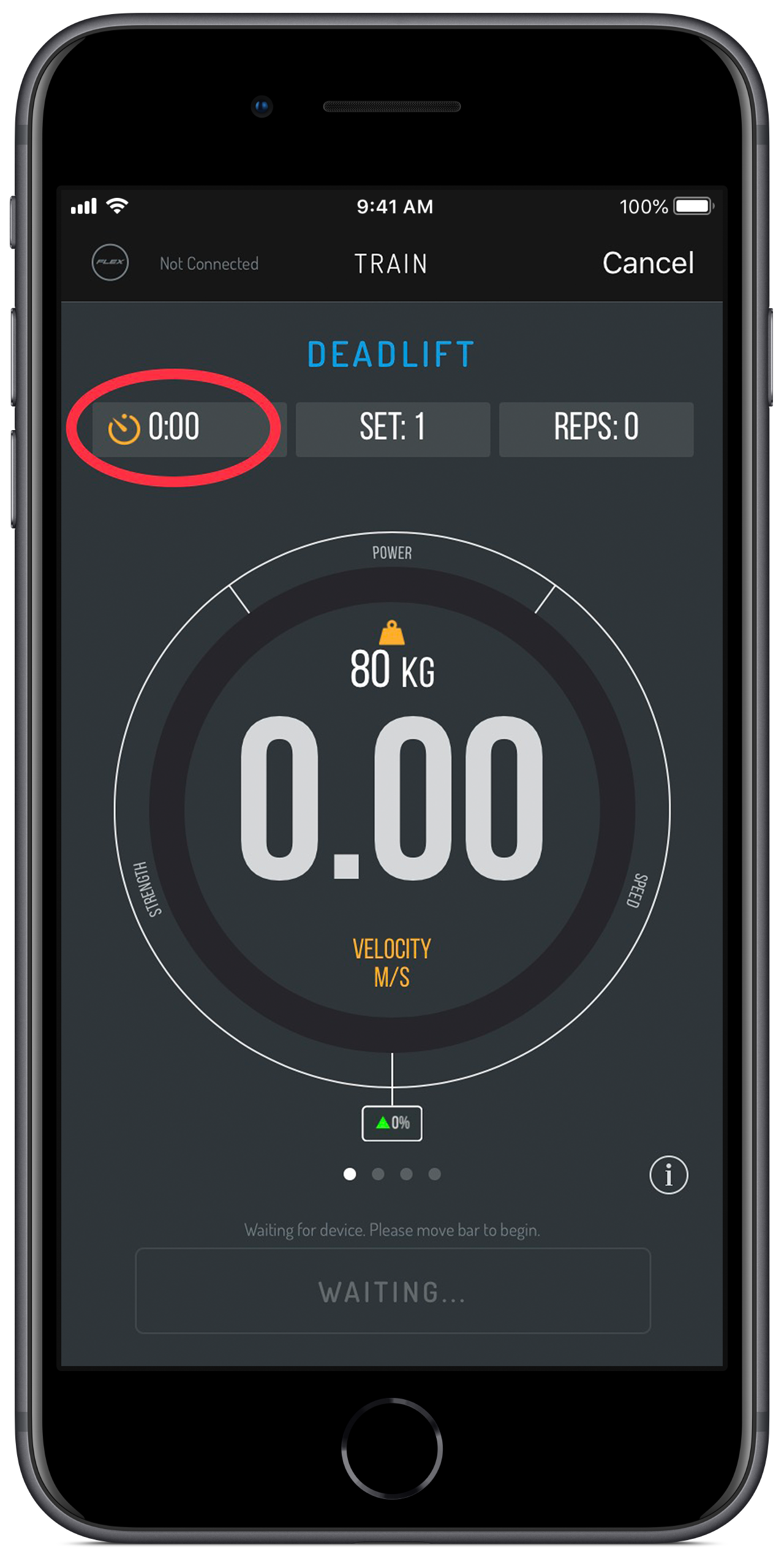
To set a rest timer you need to be in either the TRAIN or RESULTS screen.
Select the timer icon in the top left-hand corner. A pop up appears which will then prompt you to enter your desired rest time, fill that in and press done.
Once you have completed the next set, the rest timer will automatically start the countdown. A voice will speak at 10 sec, 5, and then 3,2,1 "Rest timer complete" and the App will prompt you to start your next set by automatically moving to the TRAIN screen.
You can cancel the rest timer by entering 0:00 in the dialogue box.
Comments
0 comments
Please sign in to leave a comment.